Quick answer: The best app blocker for iPhone depends on your failure mode. If you need scheduled lockouts, a hard blocker works. If you open apps on autopilot, a friction app helps. If you keep bypassing every limit you set, you need an earned-time blocker like FocusFirst, where unlocking costs focus time instead of a free tap. The best blocker is the one still installed in month three.
The three families of app blocker
1. Hard blockers — "you can't"
Scheduled sessions where chosen apps are fully inaccessible (Opal-style focus sessions, Freedom's cross-device blocks, even NFC-hardware locks). Great for meetings, deep work sprints, and sleep. Their weakness is the other 20 hours of the day: all-or-nothing systems invite all-or-nothing failures, and an app you fully banned is an app you'll binge when the session ends — or delete the blocker to reach.
2. Friction blockers — "are you sure?"
A pause, a breath, a question before the app opens (One Sec's breathing delay, ScreenZen's prompts). Cheap, gentle, and honestly effective against pure autopilot opens. Their weakness is determined-you: a 10-second pause stops the reflex but not the decision, and by week three many users report tapping through the pause as automatically as they once opened the app.
3. Earned-time blockers — "it costs something"
The newest family, and the one FocusFirst belongs to: blocked apps stay shielded until productive time pays for access. This is the only model that (a) has no free bypass, (b) builds the replacement habit into the mechanic itself, and (c) leaves you with something at the end of the week besides "hours prevented" — actual focused hours you can see growing.
How FocusFirst implements the earned-time model
- Real shields, not nags — built on Apple's Screen Time framework, the same tech behind App Limits, minus the Ignore button.
- Your exchange rate — the Focus Engine converts focus to scroll at a rate you set (10m → 3m by default-style setups) and lets you tighten or relax it as your focus improves.
- A daily goal with a bonus — hit your focus goal, earn extra scroll time; streaks build multipliers.
- Honest stats — focused hours, active days, earned scroll used, week over week.
- Private by design — no account, iCloud sync, and Screen Time's architecture means the app never sees your content.
Choosing honestly: match the blocker to your failure mode
- "I lose whole evenings to the couch scroll" → hard blocker sessions, or a strict earning rate at night.
- "I open Instagram without noticing my thumb moved" → friction helps; a shield with a price helps more.
- "I set limits and then ignore them — every tool, every time" → earned time. You can't ignore a price; you can only decide it's worth it, which is the whole point.
- "I want less phone AND more progress on something" → earned time, unambiguously. It's the only model where the blocking and the building are the same mechanic.
One more honest note: FocusFirst requires a subscription (or one-time Lifetime purchase) after download. If you want free, Apple's built-in Screen Time is genuinely the right first step — and when you find yourself tapping Ignore Limit for the tenth time, you'll know exactly which family of blocker to graduate to.
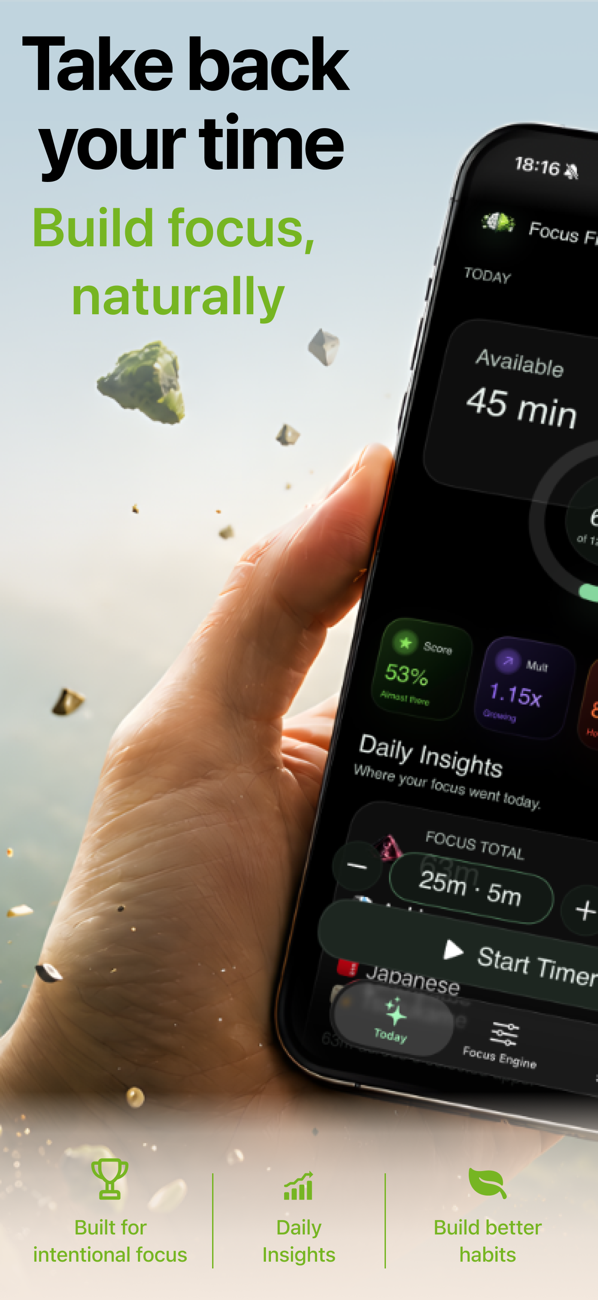
Try it: FocusFirst requires a subscription or one-time Lifetime purchase — block your distracting apps, set your earning rate, and start your first focus session today. Get FocusFirst for iPhone →