Quick answer: Choose one small task, silence unnecessary notifications, and give it a short focus session before checking your feeds. If you need your phone for study tools, block the distracting apps instead of putting the whole device out of reach.
Your next study session comes first.
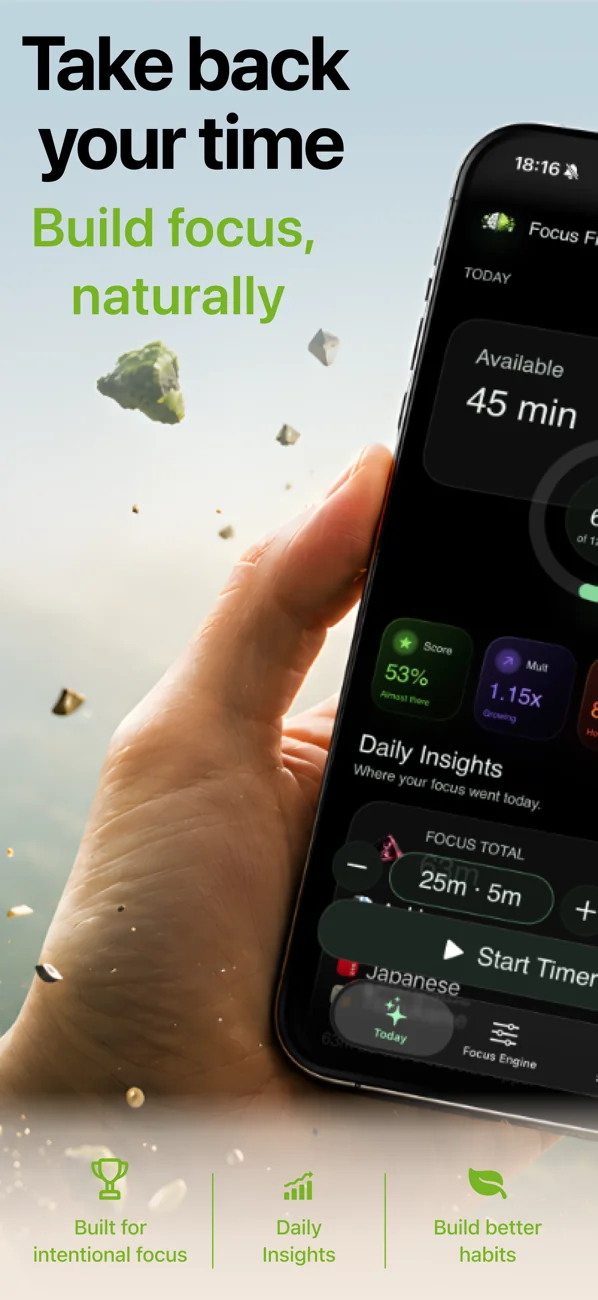
Block the feeds that interrupt you. Use a focus timer and earn screen time for later.
iOS 26.1+ · Subscription or Lifetime purchase required.
Set up your next study session
- Name the next task. “Answer five practice questions” is easier to start than “study biology.”
- Open what you need. Put your notes, book, or practice questions within reach before starting.
- Quiet the interruptions. Use an iPhone Focus to silence notifications you do not need, while allowing important people through.
- Choose a manageable session. Try 20 minutes as a starting point and adjust to the task.
- Decide your break in advance. Stand up, get water, or enjoy a little screen time after the session.
Apple explains how to set up an iPhone Focus. Silencing notifications and restricting access to distracting apps are different jobs: you may want both.
When you need your phone to study
A language app, e-book, or study tool can belong in your session. Keep that tool available and put your social feeds behind a separate boundary. You do not have to treat every minute on your phone as the same kind of time.
Use FocusFirst to make study time earn a reward
- Choose the distracting apps you want to block.
- Choose your study apps as focus apps, or use a focus timer when working from books or a computer.
- Set an earning rate you can live with. At a 10:3 rate, a 20-minute session earns 6 minutes of screen time.
- Spend your earned balance when you choose to take a scrolling break.
FocusFirst requires iOS 26.1 or later and a subscription or one-time Lifetime purchase. It is a habit tool you control, not an unbreakable lock or a promise of better grades.
What if you get interrupted?
Choose the next small task and start again with a session that fits the time you have. A shorter session still gives you a clear place to begin. Keep calls, messages, and tools you genuinely need available in your setup.
How to tell whether your setup helps
After a few sessions, ask two questions: did you start the task, and did you finish the part you planned? Use that answer to adjust the session length and blocked apps. More timer minutes are only useful when they support the work you wanted to do.
Try it: FocusFirst requires a subscription or one-time Lifetime purchase — block your distracting apps, set your earning rate, and start your first focus session today. Get FocusFirst for iPhone →